Tutorials / By Role & Use Case
Get the Most Out of an Ultrawide Monitor
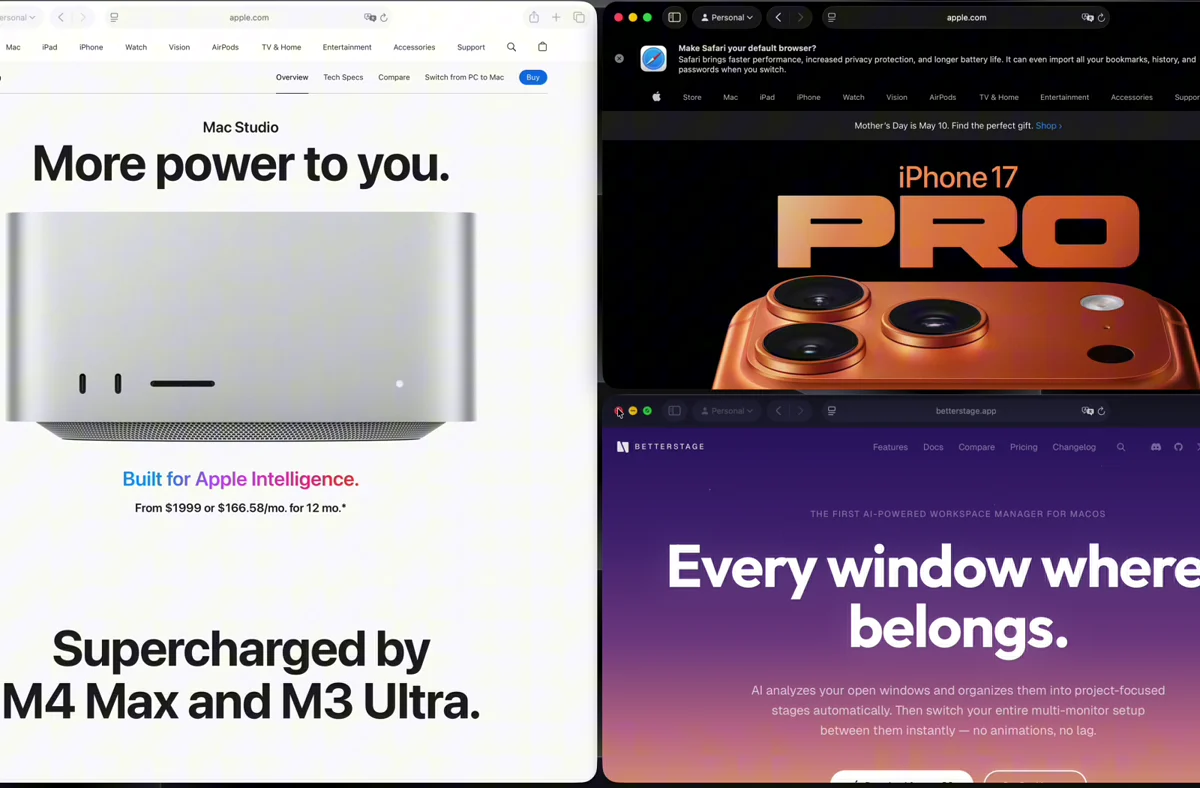
An ultrawide is really three or four monitors' worth of width — but macOS treats it as one giant canvas where maximized windows become unreadable. This tutorial carves an ultrawide into columns with snap zones, auto-tiling, and presets so every pixel earns its keep.
Step by step
- 1
Snap windows into thirds and sixths
On an ultrawide, halves are too wide to read. Use the thirds and sixths snap zones to place windows into columns — drag to a vertical edge or use the snap shortcuts. A center-third zone is ideal for a focused app flanked by two reference columns.
- 2
Tune the grid for width
BetterStage's snap grid defaults to 6x4. On an ultrawide, a wider grid gives you more column options — set it higher in Settings (even numbers only) so snap zones map to comfortable column widths.
- 3
Let Bento Box tile across the width
Switch the ultrawide to Bento Box mode and each window you open tiles into the next column automatically. Drag dividers to widen the column you're working in; the rest reflow to fit.
- 4
Save a column preset
Create a Tabbed Layout preset with three or four columns sized the way you like, then save it. Reapply it any time the layout drifts, and set it as the default for new stages on that display.
Tips
- Use the safe-area padding setting to keep windows out of the extreme edges of a very wide panel where text is hard to read at an angle.
- Combine an ultrawide on Bento Box with a vertical secondary monitor in Tabbed Layout for chat and docs.
Frequently asked questions
Does BetterStage support thirds and sixths on ultrawide screens?
Yes. Snap zones include halves, thirds, quarters, and sixths, which map cleanly to ultrawide columns. You can also raise the snap grid resolution for finer column control.
Can I auto-tile only the ultrawide and leave my laptop screen alone?
Yes. Window Modes are per-monitor, so the ultrawide can run Bento Box auto-tiling while your built-in display stays in macOS Native mode.
Will maximized windows still span the whole ultrawide?
Only if you maximize them. The point of columns and tiling is to avoid that — snap or tile windows into thirds so content stays at a readable width.
Try it yourself
BetterStage is free for up to three stages with full snap zones, and includes a 10-day trial of every Pro feature — AI Staging, Bento Box auto-tiling, Tabbed Layouts, and Pinned Displays.
Download BetterStageRelated tutorials
Organize Multiple Monitors into Focused Workspaces
Stages span every display, each monitor runs its own mode, and pinned screens stay put.
Save and Reuse Window Layouts with Presets
Lock a monitor into reusable pane layouts with tabs — Split View, Focus + Stack, and more.
Build an Auto-Tiling Coding Layout with Bento Box
Turn a monitor into an auto-tiling grid — every new window snaps into place.